

Three kinds of question arrive between sessions
By the morning, one of three things has happened. She has emailed you. She has guessed. Or she has put the phone down, and lesson three has become the place the course stopped.
Most of what students ask between sessions falls into three kinds, and it pays to sort them before choosing how to answer, because each way of answering is good at one kind and poor at the others.
The first kind is "what did you mean?" It is about the words in a lesson. The answer is already in your head and usually half in the lesson too, and she needs it said again, a different way, at the moment she's stuck. The second kind is "is it just me?" That one is about other people: whether everybody else finds week two this hard. The third is "is this right for me?" It's about her own body, history or circumstances, and it is the one that belongs to you, sometimes not over a message at all.
So you know where I stand before the list starts: the first three you can run on almost any platform, ours included. The fourth is ours. We are small and new next to the names you will have heard of, and our option only touches the first kind of question, which is why it comes last.
You answer every message yourself
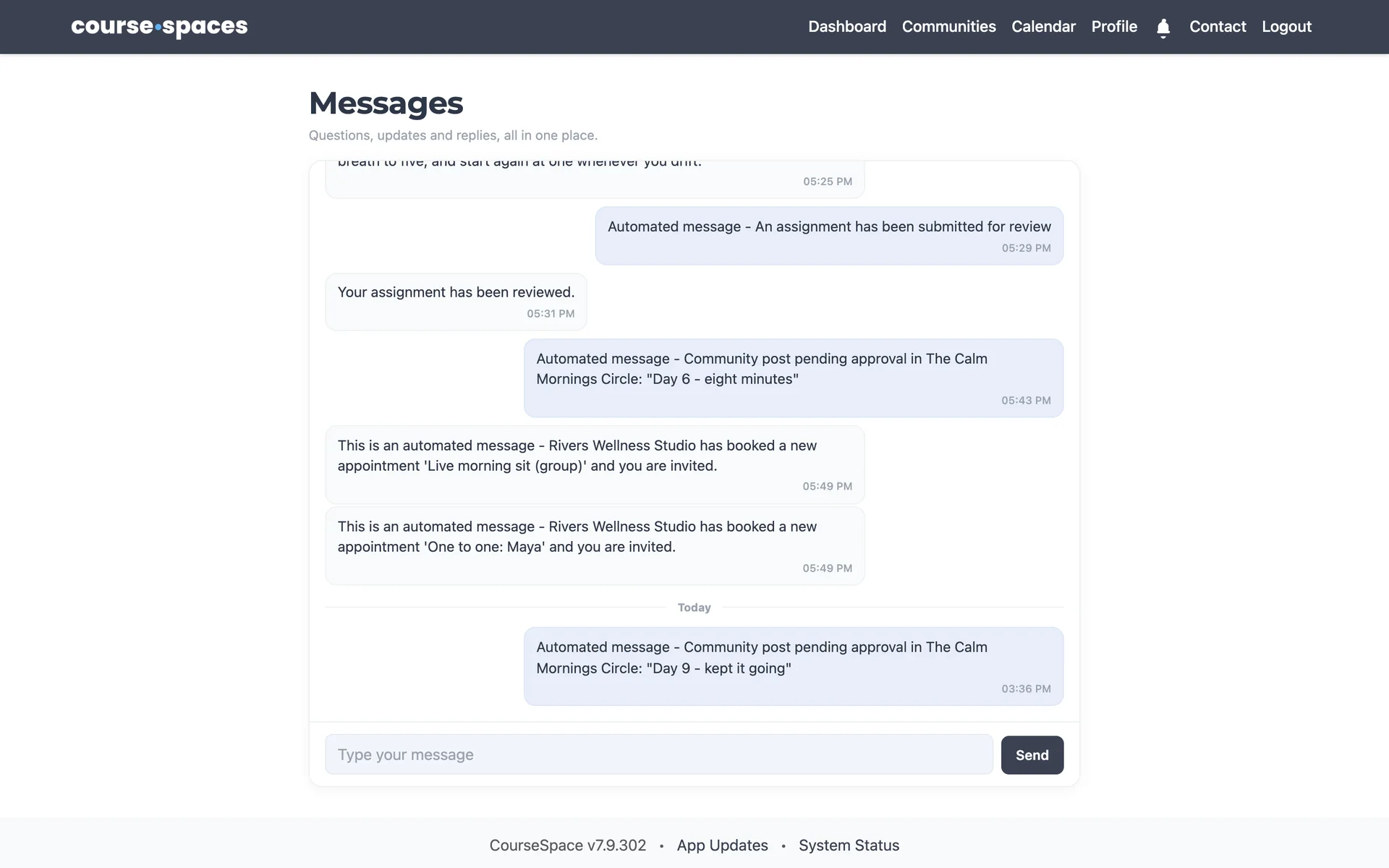
This is where most of us start, and it's the warmest of the four. She writes, you write back, and the answer comes in your voice with whatever you know about her folded into it. For the third kind of question nothing beats it. One to one chat sits inside the same login as the course, so the conversation stays next to the lessons it's about and off your personal number.
What it costs is your evenings.
By the fourth "what did you mean by the back of the ribs" in one term, you could recite your reply in your sleep. It also depends on her asking, and plenty of people would sooner stop than send a message that starts with an apology. When she stops instead, you tend to find out weeks later, and I've written separately about seeing who has gone quiet before then.
There's a cheap fix hiding in this option, too. When the same "what did you mean" comes in three times, rewrite that paragraph of the lesson. It costs ten minutes and no software at all.
A room where they answer each other

Put the second kind of question in a group the whole cohort can see and it answers itself, often before you get there. The student who thought she was the only one struggling with week two finds out she isn't, which no reply from you can quite do. Communities are unlimited on the plan and posts can wait for your approval before anybody sees them. I've made the case for a shared room on its own page, so I won't repeat it here.
The limits are real. A room needs a cohort in it, and a rolling intake of strangers who started in different months often stays quiet. And a good many questions in this work are too personal to type where the whole group will read them.
A live session in the diary

A question-and-answer session every couple of weeks, on the calendar, where anybody can bring whatever they're stuck on. It suits all three kinds of question, because it's you, live, with room to say "stay behind and we'll talk about that one".
The catch is the wait. A question that arrives on a Friday night sits until the session on Thursday, and by then she has either guessed or stopped. Live sessions are also the option that costs the most of your diary, and the one where attendance is least in your hands.
An AI tutor for online course lessons
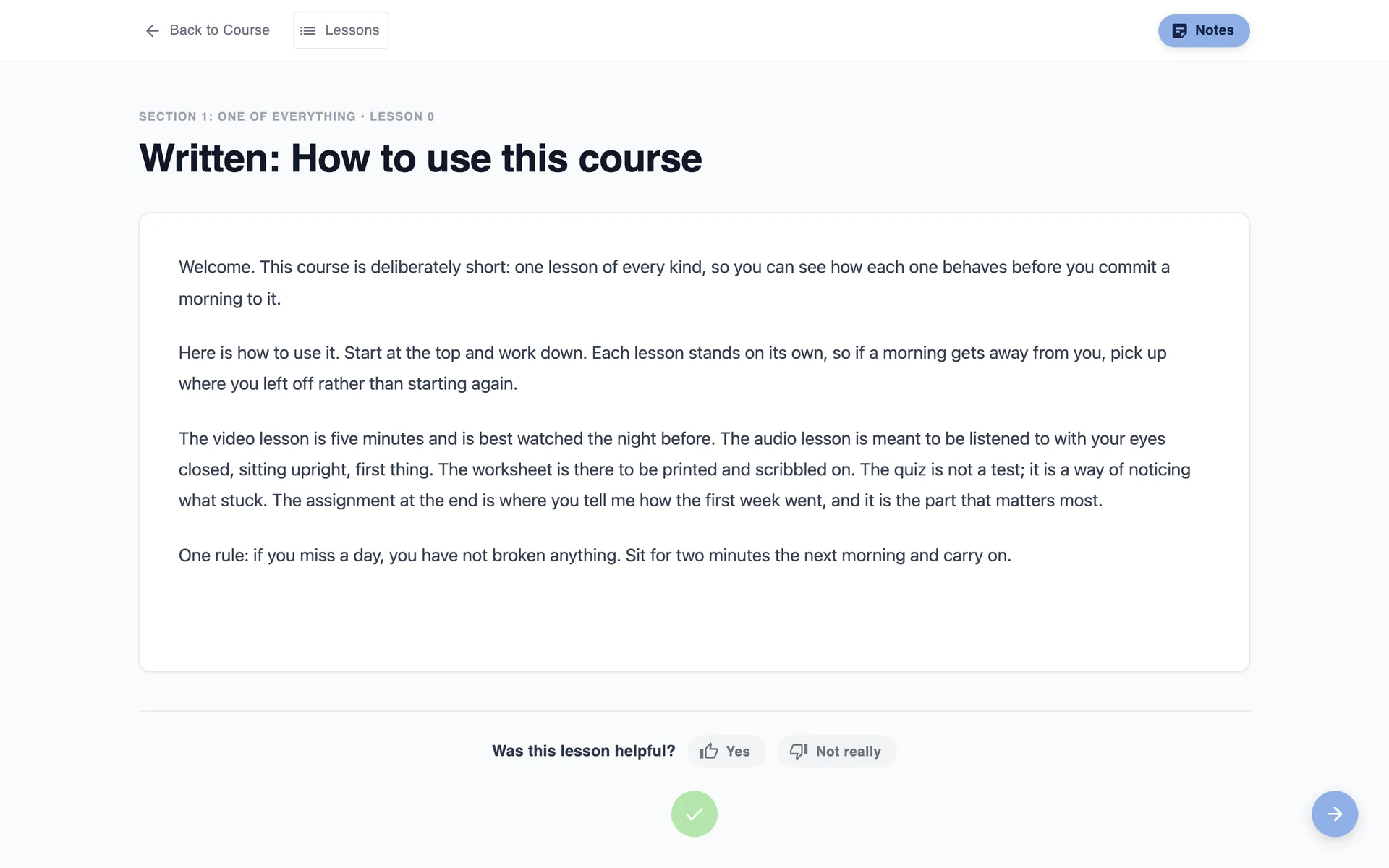
The fourth option is the AI Tutor, and it's built for the first kind of question only. A student reading a lesson asks it about that lesson and gets an answer drawn only from that lesson's text. It has three buttons: "Explain simply", "Give an example" and "Quiz me".
So our student at twenty to eleven presses "Explain simply" on lesson three, and what comes back is drawn from your lesson and nowhere else. That cuts both ways. If the lesson says where the back of the ribs is, she gets it said again in plainer words. If it never says, the tutor has nothing better to give her than the lesson did, and the ten-minute rewrite is still yours to do. If she'd like to check herself, there's "Quiz me". The tutor never gives away the answers to your quizzes, so a quiz you set still means something when she sits it.
It follows wellness safety rules. It answers in English, German or Italian. Each student can ask it 30 questions a day and 200 a month, which is plenty for somebody working through a lesson and not much use to anybody trying to have a long chat with it.
You decide where it appears. You switch on "AI features" course by course, so a course where you'd rather every question came to you simply doesn't have it. It is part of the paid plan.
Because it answers only from the lesson's text, the lessons it can help with are the ones with words in them. If a course is mostly video with a line of text underneath, the tutor has very little to work from, and the fix is writing the lesson out. If that's the slow part, the AI course builder can give you a first draft to rewrite in your own voice.
A small confession. I don't much like the word "tutor" for it. For a lot of us, a tutor was the person you were sent to on Saturday mornings when the maths had gone badly, and nobody was pleased to be there. This is closer to a student turning back two pages in your handout. But "page-turner" was already taken by thrillers. Nobody asked for my opinion on the name in the first place.
When to leave the tutor switched off
- Most of what your students ask is the third kind. If the questions are about their own bodies, histories or circumstances, they need you, and a tutor on the lesson is the wrong place for them to be asking.
- The course is a single short lesson you'd answer questions about in a minute. Switching on "AI features" is for courses with enough reading in them to get stuck on.
- You want your students to need you between sessions. Some practitioners build the follow-up message into how they work, on purpose. If that is you, keep it that way.
The cost of trying all four

All four of these sit on one plan at $47 a month, with no tiers to read. One to one chat, unlimited communities, the calendar, the AI Tutor, the AI course builder and the AI assistant with 1,500 messages a month are all in it, alongside unlimited courses and products, up to 1,000 active students and hosted video with 1TB of bandwidth a month.
We take 0% of what you sell. You connect your own Stripe account and keep everything except Stripe's own 2.9% plus 30 cents.
The trial runs 30 days and doesn't ask for a card. Put one course in, look at the last ten questions your students sent you, and sort them into the three kinds. You'll know within an evening which of these four your students have been missing. There's a 30-day money-back guarantee if you stay.